Nov 20, 2026
Google Pay in Nigeria: How Tap to Pay Works and How to Accept It
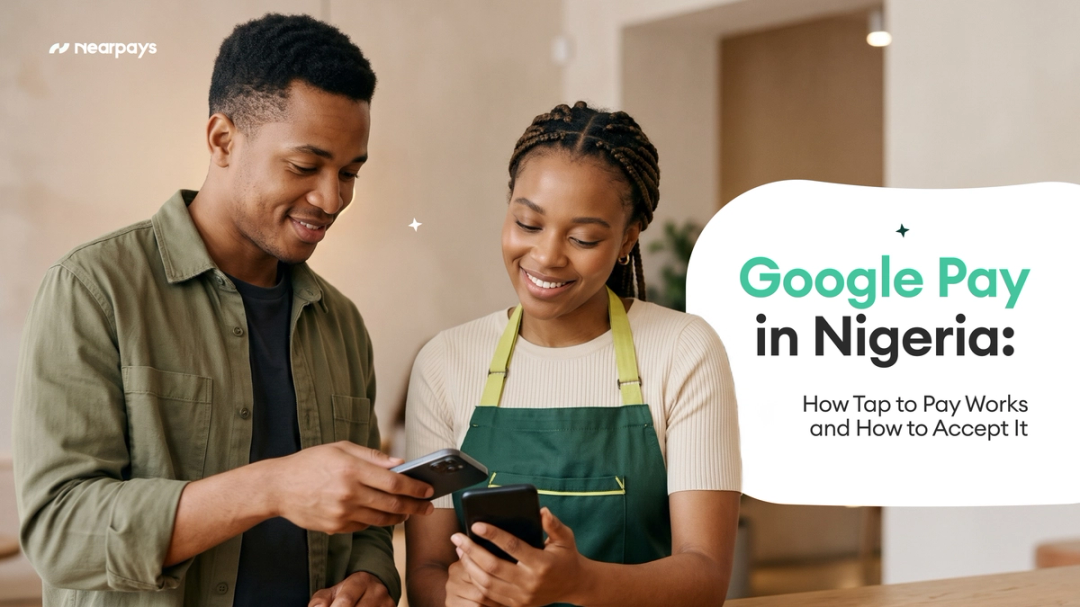
Google Pay is now live in Nigeria. Google officially launched Google Wallet here in late October 2026, with Google Pay inside it, and it changes how millions of Nigerians will pay for everyday things: with a simple tap of their phone.
In this guide, we will explain what Google Pay is, how tap to pay works in Nigeria, what you need to start using it, and the part most articles skip: how your business can actually accept these payments, without buying any machine.
What is Google Pay, and is it the same as Google Wallet?
They are closely related, and the difference is simple. Google Wallet is the app: a digital wallet on your Android phone that stores your bank cards, loyalty cards, event tickets, and boarding passes. Google Pay is the payment feature inside that app: the part that lets you actually pay by tapping your phone, in shops, inside apps, and online.
So when people say 'Google Pay is now in Nigeria', it means this: you can now add a supported Nigerian bank card to the Google Wallet app, and pay with your phone instead of reaching for the physical card.
How to use Google Pay in Nigeria (as a customer)
1. Download the Google Wallet app from the Google Play Store (you'll need an Android phone with NFC).
2. Add a supported bank card. At launch, only cards from a small list of participating Nigerian banks are supported, and that list is expected to grow over time.
3. Pay by tapping. In stores that accept contactless payments, simply hold your phone near the payment point. You can also pay in supported apps and online.
Security is built in: Google Pay uses multiple layers of protection and encryption, and if your phone is lost or stolen, you can lock or wipe it remotely with Find My Device.
The catch nobody talks about: where will you tap?
Here is the honest part. Tap to pay needs two sides to work. The customer taps, and the business receives. Google has handled the customer side, and millions of Nigerians now carry tap-to-pay power in their pockets.
But the receiving side is where Nigeria has a gap: most shops, salons, pharmacies, and market stands do not have payment points that can accept a contactless tap. So customers who are ready to pay the new, fast way will keep walking into businesses that cannot collect their money that way.
For customers, this means patience while acceptance grows. For business owners, this is not a problem. It is an opening.
How your business can accept tap to pay, without buying any machine
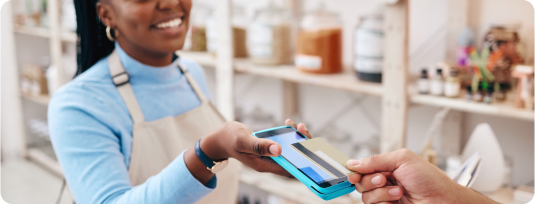
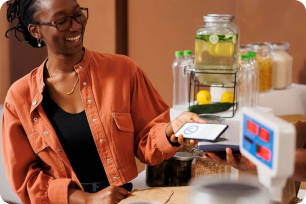
This is where Nearpays SoftPOS comes in. SoftPOS lives inside the Nearpays Business app, the app built for registered business owners, and it lets your business accept tap-to-pay and contactless card payments without buying any machine or hardware.
Here is what that looks like in practice:
- A customer wants to pay. You open the Nearpays Business app and enter the amount.
- The customer taps their card, and the payment is confirmed in seconds.
- Every sale is recorded automatically, so your records build themselves while you sell.
No terminal to buy. No queue for a device. No sale lost because 'we don't have POS'. And because SoftPOS runs on the phone you already own, getting ready for the tap-to-pay era takes minutes, not months.
Why Nearpays SoftPOS is the smart way to accept tap to pay
- It costs nothing to get started: no machine to buy, no rental fees, no waiting for hardware to arrive. The phone in your pocket is the equipment.
- It is ready in minutes: download the Nearpays Business app, register your business, and start accepting payments the same day.
- Every sale records itself: no notebook, no end-of-day counting, and your statements are ready whenever the bank or your accountant asks.
- It grows with you: whether you run one stand or five branches, every payment lands on one live dashboard inside the same app.
- It is secure: Nearpays is PCI DSS certified, with end-to-end encryption on every transaction, so both you and your customers are protected.
In short: while other businesses wait, price machines, or lose sales, a SoftPOS business is already collecting the new wave of tap-to-pay payments, with nothing but the phone it already owns.
Why this matters for your business right now
Payment habits in Nigeria change fast, and they only move in one direction. It happened with bank transfers. It happened with cards. Tap to pay is next, and now it has Google's weight behind it.
Every payment method your business cannot accept is money quietly walking out of your shop, one customer at a time. The businesses that win each new wave are the ones that were ready before the wave arrived. Being ready for this one costs nothing but a download.
Frequently asked questions
Is Google Pay available in Nigeria now?
Yes. Google Wallet, with Google Pay inside it, officially launched in Nigeria in late October 2026.
Which banks work with Google Pay in Nigeria?
At launch, only cards from a small list of participating banks are supported. Check the Google Wallet app for the current list, as more banks are expected to join.
Do I need an iPhone or Android for Google Pay?
Google Pay works on Android phones (with NFC) and Wear OS devices. iPhone users use a different system, Apple Pay, which is not part of this launch.
Can my business accept Google Pay without a POS machine?
Yes. With Nearpays SoftPOS, inside the Nearpays Business app, your business can accept tap-to-pay and contactless payments without buying any hardware.
Is tap to pay safe?
Yes. Contactless payments use encryption on both sides: Google Pay protects the customer's card details, and Nearpays is PCI DSS certified with end-to-end encryption on every transaction.
Get your business ready for the tap-to-pay era
Google has done its part. The customers will do theirs. The only question is whether your business will be ready to receive them.
Download the Nearpays Business app on the App Store or Google Play, register your business, and start accepting tap-to-pay payments today.